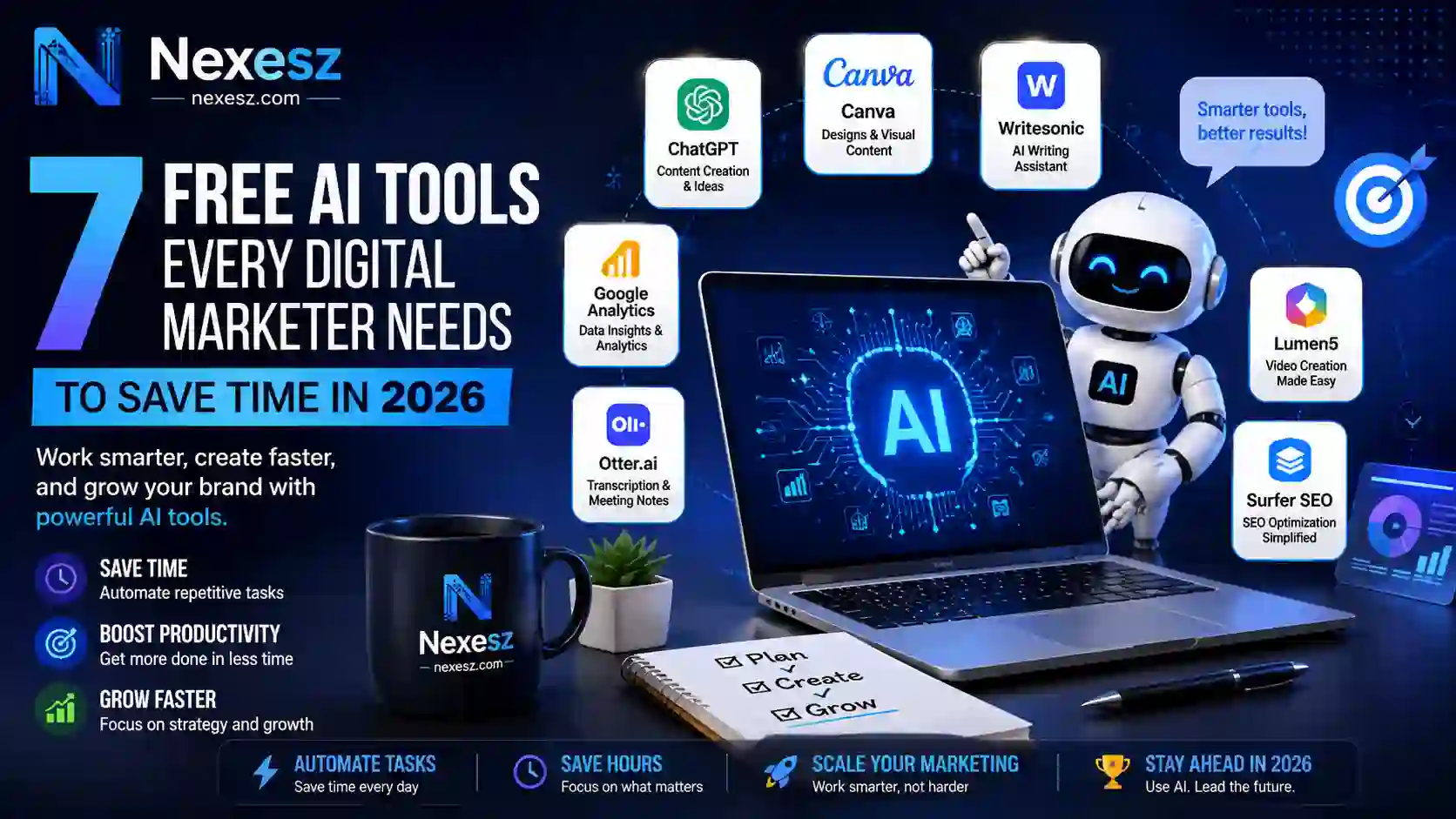
Digital marketing now means managing several channels at once — content, SEO, design, and research, often all in the same day. Free AI tools for digital marketing help close that gap by automating repetitive tasks, so marketers can focus on strategy rather than manual work.
Small teams and independent marketers can now run campaigns that once required a much larger budget. The tools below cover content, design, research, and reporting, and all of them are genuinely free to start using today.
None of these require a technical background to set up. Each one works through a simple dashboard or browser extension, so the learning curve is a matter of hours, not weeks.
Why Free AI Tools Matter for Marketers in 2026
AI has moved from a nice-to-have to a core part of how marketing teams operate. Modern tools draft copy, analyze data, and flag trends in seconds rather than hours.
Teams that build automated workflows into their routine typically produce more content without adding headcount. Delegating repetitive research and first-draft writing to software frees up time for the parts of the job that actually need a human — strategy, judgment, and creative direction.
This shift matters most for small businesses and solo marketers who can’t justify a paid stack of five tools. The right free AI tools for digital marketing close the gap between a well-funded agency and a one-person operation.
A year ago, most “free” tiers were limited demos designed to push users toward a paid plan. That’s changed. Free tiers from major platforms are now genuinely usable for daily work, not just for testing before you buy.
1. ChatGPT for Content Drafting and Campaign Strategy
ChatGPT works well as a starting point for blog outlines, ad copy, and campaign brainstorming. Give it audience details and brand guidelines, and it returns a usable first draft in seconds rather than the hour a blank page usually takes.
The free tier covers most everyday drafting and research needs for solo marketers and small teams.
Example: A marketer prepping a product launch can generate five headline variations, pick the strongest one, and move on to design within minutes, rather than spending an hour drafting.
It’s also useful for repurposing existing content — turning one blog post into several social captions or a short email newsletter without starting each piece from a blank page.
2. Canva Magic Studio for Visual Design Automation
Canva Magic Studio builds automated design tools directly into its templates, letting marketers create social graphics, edit banners, and resize assets across platforms without design experience.
This removes a real bottleneck for teams without a dedicated designer. The free tier includes template generators that keep visuals consistent across a whole campaign.
Example: One product photo can be resized and restyled into an Instagram post, a Story, and a banner ad in one sitting, instead of designing each format separately.
3. Grammarly for Copy Refinement and Tone Consistency
Grammarly checks more than spelling — it reads tone and sentence structure, flagging copy that comes across as too stiff or too casual for the intended audience.
It runs as a browser extension, so it checks your writing wherever you type, in email, on social platforms, and in document editors, without needing to open a separate app.
Example: A rushed email that reads too bluntly gets flagged for tone before it’s sent, giving the writer a chance to soften it without losing the point.
4. Copy.ai for High-Converting Social Media and Ad Copy
Copy.ai focuses on short-form copy — ad headlines, social captions, and promotional text — generating multiple variations from a short product brief.
This is useful for teams managing high-volume publishing across several social channels. Free monthly credits are usually enough for a small team’s regular posting schedule.
Example: A single product description can be turned into a dozen ad headline variations, ready to test against each other without writing each one from scratch.
5. Perplexity AI for Market and Competitor Research
Perplexity AI works like a research assistant, returning structured, cited answers to market and competitor questions instead of a plain list of links.
Because its answers include sources, the research is easier to verify before it’s used in strategic decisions. It typically saves hours compared to manually digging through scattered sources.
Example: Ahead of a campaign launch, a quick query can reveal exactly how three competitors are currently positioning a similar product, with cited sources.
6. Otter.ai for Meeting Transcriptions and Action Items
Otter.ai automatically transcribes calls and meetings, turning client discussions into a written record with clear action items, so no one needs to take manual notes.
This lets the whole team stay present in a meeting instead of splitting attention between the conversation and note-taking. The free tier includes a generous number of transcription minutes each month.
Example: A client call ends with a ready-made summary of decisions and next steps, saved and shareable before anyone has to write a single note by hand.
7. AnswerThePublic for Audience Search Intent Analysis
AnswerThePublic pulls real search queries to show the exact questions people ask around a topic, which is useful for spotting content gaps before writing anything.
Visualizing these query clusters speeds up keyword mapping and provides a clearer starting point for planning editorial content around what people are actually searching for.
Example: Searching one broad topic returns dozens of real questions people are asking, several of which can become standalone blog posts nobody on the team has thought of yet.
Here’s how these seven free ai tools for digital marketing compare at a glance:
| Tool | Core Function | Best For |
|---|---|---|
| ChatGPT | Conversational text generation | Content outlines & strategy |
| Canva Magic Studio | Automated graphic design | Social banners & visuals |
| Grammarly | Tone & grammar editing | Copy proofreading & polish |
| Copy.ai | Short-form text generation | Social captions & ad headlines |
| Perplexity AI | Real-time web research | Competitor & market analysis |
| Otter.ai | Voice transcription | Client notes & action items |
| AnswerThePublic | Search query aggregation | Audience intent analysis |
Combining These Tools Into One Workflow

Combining a few of these tools into a single routine creates a genuinely useful digital marketing toolkit without needing to adopt everything at once.
When comparing the best free AI tools for digital marketing, look beyond the feature list. Check how easily a tool fits your existing workflow, how its free tier holds up under regular use, and whether it exports content in formats you actually need.
It also helps to check how active a tool’s support and update history are. A platform that ships regular improvements is a safer long-term bet than one that hasn’t changed in a year.
Reassess the stack every few months. Free tiers change often, and a tool that felt limited six months ago may now cover far more of the job. Dropping a tool that’s no longer pulling its weight matters just as much as adding a new one.
Staying Visible in AI-Powered Search Results
Search results now include AI-generated summaries alongside standard listings, which changes what “ranking well” actually means. Using the best AI-mode SEO rank-tracking software shows not only your position but also whether your pages are cited in AI-generated answers.
Set up alerts for sudden shifts in ranking or visibility rather than checking manually. AI Overviews can change which sources they cite within days, so catching a shift early makes it easier to trace the cause.
This is one area where free tools genuinely compete with paid ones. Most core visibility data is available at no cost — the paid tier primarily adds automation and historical trend reports.
Using These Tools Responsibly
Relying on free AI tools for digital marketing speeds up the repetitive parts of marketing, but human judgment still matters for anything that goes out under your brand’s name. A few habits keep that balance in place:
- Review every automated draft for accuracy, tone, and brand voice before publishing.
- Avoid entering confidential client data or private records into public AI tools.
- Build a few standard prompts for common tasks so output stays consistent across the team.
- Start with one tool solving your biggest time drain, and add more gradually rather than switching everything at once.
- Train the rest of the team on new features as tools update, so everyone gets the same value from the stack.
Treat these tools as an accelerator, not a replacement for the judgment a human brings to the final product. The teams getting the most value from free ai tools for digital marketing are the ones that keep a person reviewing the output, not the ones handing everything over to automation.
Conclusion
Running an effective marketing operation in 2026 doesn’t require a large budget. The right free AI tools for digital marketing can cover content, design, research, and SEO tracking at a level that once required several paid platforms.
Start with two or three tools that solve your most immediate bottleneck, and build from there as your workflow settles into place. The goal isn’t to use every tool on this list — it’s to remove enough manual work that strategy gets the time it deserves.
FAQs
1. How do free AI tools help digital marketers save time?
They automate repetitive tasks like drafting copy, resizing graphics, transcribing meetings, and researching competitors, freeing up hours for strategy and creative work.
2. Are free AI platforms safe for commercial marketing tasks?
Yes, as long as you avoid entering confidential client data or private records into public prompt windows.
3. Do I need technical skills to use AI marketing software?
No. Most tools on this list use plain-language prompts and visual dashboards built for non-technical users.
4. What are the typical limits of free AI tool tiers?
Expect daily usage caps, limited features, or lower export quality compared to paid plans, though most free tiers are still genuinely useful.
5. How can I keep automated content on-brand?
Give tools detailed prompts with your tone, audience, and style examples, and always do a final human edit before publishing.
Leave a Reply