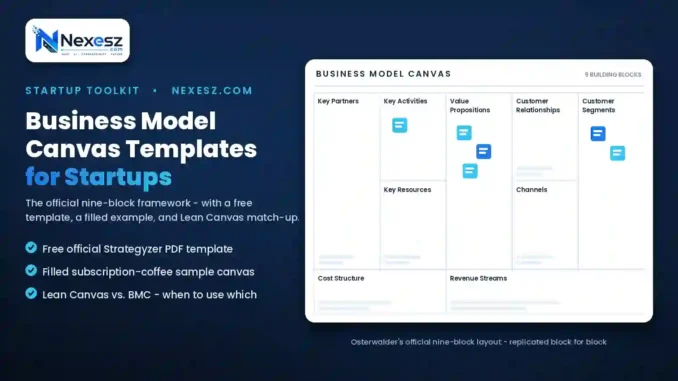
Sketching out a business idea on the back of a napkin works fine for a first thought, but it rarely survives contact with real customers, costs, and competitors. That’s exactly the gap business model canvas templates for startups are built to fill.
Instead of writing pages of a formal plan before testing anything, the canvas format forces you to map your entire business logic onto a single page in about 20 minutes using nine specific blocks.
This guide covers where to get a real template, walks through a filled-out example, and explains how the canvas compares to its startup-focused cousin, the Lean Canvas.
Everything here uses the official framework — no invented terminology or oversimplified shortcuts that would make your canvas look different from what investors or accelerators are already used to seeing.
What Is a Business Model Canvas?
The Business Model Canvas was created by Alex Osterwalder and published in his book Business Model Generation. It breaks any business down into nine building blocks: customer segments, value proposition, channels, customer relationships, revenue streams, key resources, key activities, key partners, and cost structure.
Filling in all nine, even roughly, forces you to think through parts of the business a simple written pitch often skips entirely — distribution, cost structure, and key partnerships in particular.
This is exactly why business model canvas templates for startups have become standard across accelerators, business schools, and pitch competitions — the format gives everyone reviewing your idea the same nine reference points to evaluate.
Where to Download One at No Cost
You don’t need to design this from scratch. Strategyzer, the company founded by Osterwalder himself, offers the original business model canvas free template as a downloadable PDF at no cost.
This official version is worth starting with specifically because it uses the exact block sizing and layout from the original book, which matters if you’re comparing your canvas against examples other people share online.
Beyond the official source, most whiteboard and diagramming tools — Miro, Canva, and Google Slides among them — include a pre-built canvas template you can duplicate and fill in digitally with a team, rather than printing and writing by hand.
Whichever source you choose, avoid templates that add extra blocks or rename the original nine without explanation. Sticking to the standard version makes it far easier to compare your canvas against examples, courses, or feedback from mentors who learned the original framework.
PDF or Word: Which Format Actually Works Better
The right file format depends entirely on how you plan to use it.
A business model canvas PDF is the better choice if you’re printing it out, filling it in by hand, or sharing a locked, presentation-ready version with investors or a team that shouldn’t accidentally edit the layout.
A business model canvas Word template makes more sense if you want to type directly into the boxes, resize sections as your ideas expand beyond the space provided, or adapt the block labels — swapping in Lean Canvas terminology, for example.
Neither format is objectively better. Founders who think best with a pen tend to prefer PDF for printing, while founders working entirely digitally usually prefer an editable Word or slide-based version.
Teams collaborating remotely often skip both in favor of a shared digital whiteboard, where multiple people can add sticky notes to each block simultaneously during a live planning session.
A Filled-Out Sample Canvas in Practice
Seeing a completed one makes the format click faster than reading definitions alone. Here’s an example of what a business model canvas might look like for a hypothetical subscription coffee startup.
Customer Segments: Home coffee drinkers who want café-quality beans without visiting a shop weekly.
Value Proposition: Freshly roasted, curated coffee delivered on a schedule, with no need to research or reorder manually.
Channels: Direct-to-consumer website, Instagram, and email marketing to existing subscribers.
Customer Relationships: Self-service subscription management, with personal outreach for cancellations or complaints.
Revenue Streams: Recurring monthly subscription fees, plus one-time gift-box sales.
Key Resources: Roasting equipment, supplier relationships, and the subscription e-commerce platform.
Key Activities: Sourcing beans, roasting on schedule, and fulfilling weekly shipments.
Key Partners: Coffee bean farms or importers, and a fulfillment or shipping partner.
Cost Structure: Bean sourcing, roasting equipment maintenance, packaging, and shipping costs.
Filling this out for your own idea usually takes less time than describing it would in a paragraph, which is the entire point of the format.
Notice how short each entry is — a phrase or short sentence, not a paragraph. That brevity is intentional, forcing you to distill each part of the business down to its essential logic rather than hiding behind lengthy explanations.
Getting the Key Activities Block Right
Of the nine blocks, Key Activities trips people up more than most, because it’s easy to confuse “activities” with “everything the business does all day.”
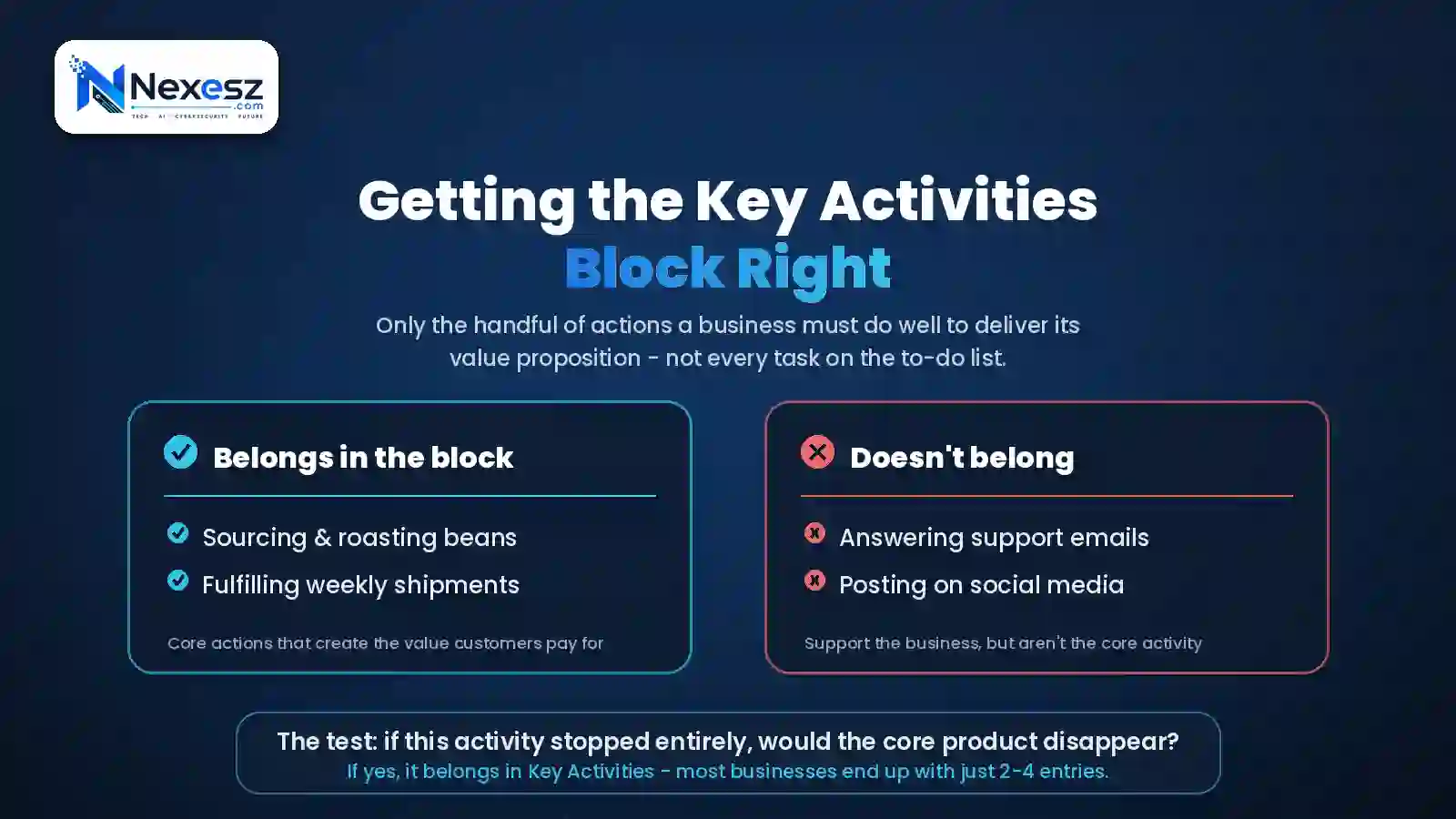
The business canvas model key activities block should only list the handful of actions the business absolutely must do well to deliver its value proposition — not every task on a to-do list.
For the coffee subscription example above, that’s sourcing and roasting beans and fulfilling shipments — not answering support emails or posting on social media, which support the business but aren’t the core activity creating the value customers pay for.
A useful test: if this activity stopped happening entirely, would the core product or service disappear? If yes, it belongs in this block. If the business would just be less polished but still function, it probably belongs elsewhere.
Most businesses end up with two to four entries in this block once they’ve applied that test honestly. More than five usually signals the founder hasn’t yet separated “important” from “absolutely core to the value proposition.”
Lean Canvas vs Business Model Canvas: Key Differences
Once you’ve tried the standard canvas, you’ll likely run into its startup-focused variant, the Lean Canvas, created by Ash Maurya and detailed in his book Running Lean.
Understanding Lean Canvas vs. Business Model Canvas differences comes down to four specific blocks that get swapped out:
| Business Model Canvas Block | Replaced By (Lean Canvas) |
|---|---|
| Key Partners | Problem |
| Key Activities | Solution |
| Key Resources | Key Metrics |
| Customer Relationships | Unfair Advantage |
The remaining five blocks — customer segments, value proposition, channels, revenue streams, and cost structure — stay identical across both formats.
The practical difference is focus. The Business Model Canvas assumes you already know your business works and helps you map the full operational picture. The Lean Canvas assumes you’re still validating whether a real problem exists worth solving, putting “Problem” in the very first box you fill in.
For an established business with existing partnerships and infrastructure, the standard canvas captures more of what actually matters day to day. For a founder who hasn’t validated demand yet, the Lean Canvas keeps attention on the riskiest, most important question first.
Choosing the Right Canvas for Your Stage
If you’re still testing whether your idea solves a real problem people will pay for, the Lean Canvas fits better — its problem-first structure keeps you focused on validation rather than operational details that might change entirely.
Once you have paying customers and a working model, the standard Business Model Canvas becomes more useful for mapping partnerships, resources, and relationships you’ll need to actually scale. This is usually around the same stage when founders also formalize their business structure, since real partnerships and revenue bring real legal and tax considerations.
Some founders use both at different points — a Lean Canvas during the first few months of testing, then transitioning to a full Business Model Canvas once the core idea is validated and operational planning matters more.
There’s no rule against switching back and forth either. Revisiting business model canvas templates for startups at each major milestone — first customer, first hire, first outside investment — keeps the document useful rather than something filled out once and forgotten in a drawer.
Conclusion
Business model canvas templates for startups exist specifically to compress weeks of planning into an afternoon of focused thinking. Start with Strategyzer’s free official template, fill it out honestly rather than optimistically, and revisit it as real customer data comes in.
Whether you use the standard canvas or the startup-focused Lean Canvas version depends mainly on how validated your idea already is — pick the one that matches where you actually are, not where you hope to be in six months. Either way, the discipline of using business model canvas templates for startups beats skipping the exercise entirely and hoping the details work themselves out later.
FAQs
1. Is the business model canvas template really free to use?
Yes. Strategyzer’s official version is free to download and use, including for commercial business planning, without any licensing fee.
2. Can I edit a downloaded PDF canvas directly?
Most PDF readers allow basic text entry into form fields, though a Word or slide-based template offers more flexibility for resizing sections and adding detail.
3. How long should it take to fill out a business model canvas?
A rough first draft typically takes 20 to 40 minutes; refining it with real customer research and data usually happens over several sessions afterward.
4. Do I need to fill out every block perfectly before starting my business?
No. The canvas is meant to be a living document — filling in your best current guess and updating blocks as you learn is normal and expected.
5. Is Lean Canvas better than Business Model Canvas for a startup?
Neither is universally better. Lean Canvas suits early-stage validation, while the standard canvas suits businesses that already have a working model to map out fully.
Leave a Reply